 Flying Chess
Flying Chess Interface Highlights
App Screenshots
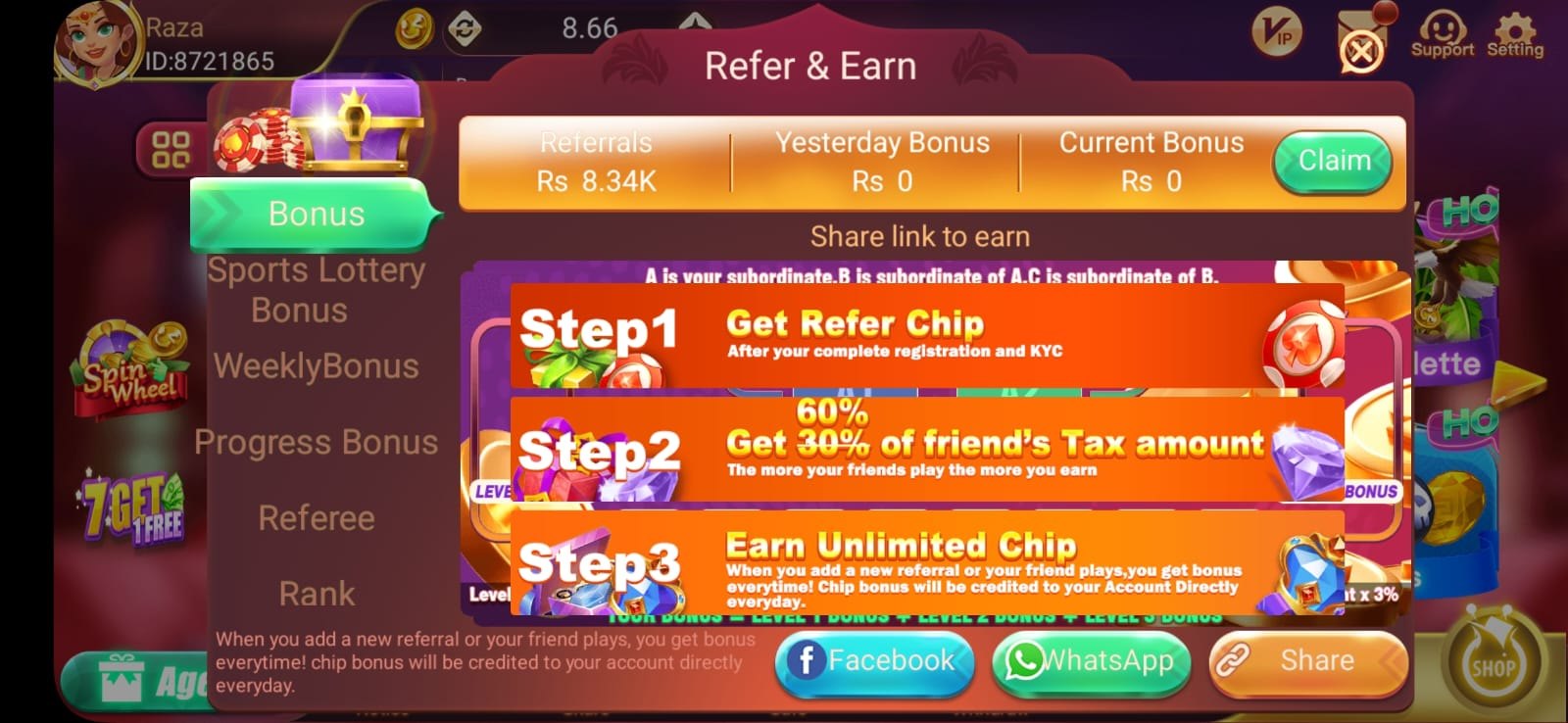
Features May Change
Menu labels, available games, promotions and account tools can differ across app versions. This guide describes the supplied screenshots rather than guaranteeing specific functions.
Flying Chess Features Overview
Flying Chess uses a bold visual style and a mobile-first presentation. The provided images show app screens and navigation elements; exact features should be checked in the latest version.
Mobile-Friendly Dashboard
Large icons and colourful sections can make different areas easier to find on a phone. Layout and performance will vary depending on the device.
Explore download instructions →Game Discovery
A central lobby helps users find available game modes. Read descriptions and rules rather than relying on promotional artwork alone.
Account Management
Login, profile and verification screens may be available. Protect your password and verification codes, and use a unique password.
Read the beginner guide →Promotional Information
Some screens may contain bonuses, announcements or rewards. Availability and eligibility depend on the operator’s current terms.
Security and Privacy
Check the app’s privacy policy, requested permissions, data practices and customer-support channels before sharing personal information.
Regular Updates
App developers may release interface changes and bug fixes. Check version information at the trusted source; updates are not guaranteed on a fixed schedule.
More Flying Chess Resources
Continue exploring detailed guides, answers to common questions and installation advice.